IGNOU Enrollment Number Not Received 2026: Admission Status and Complaint Process
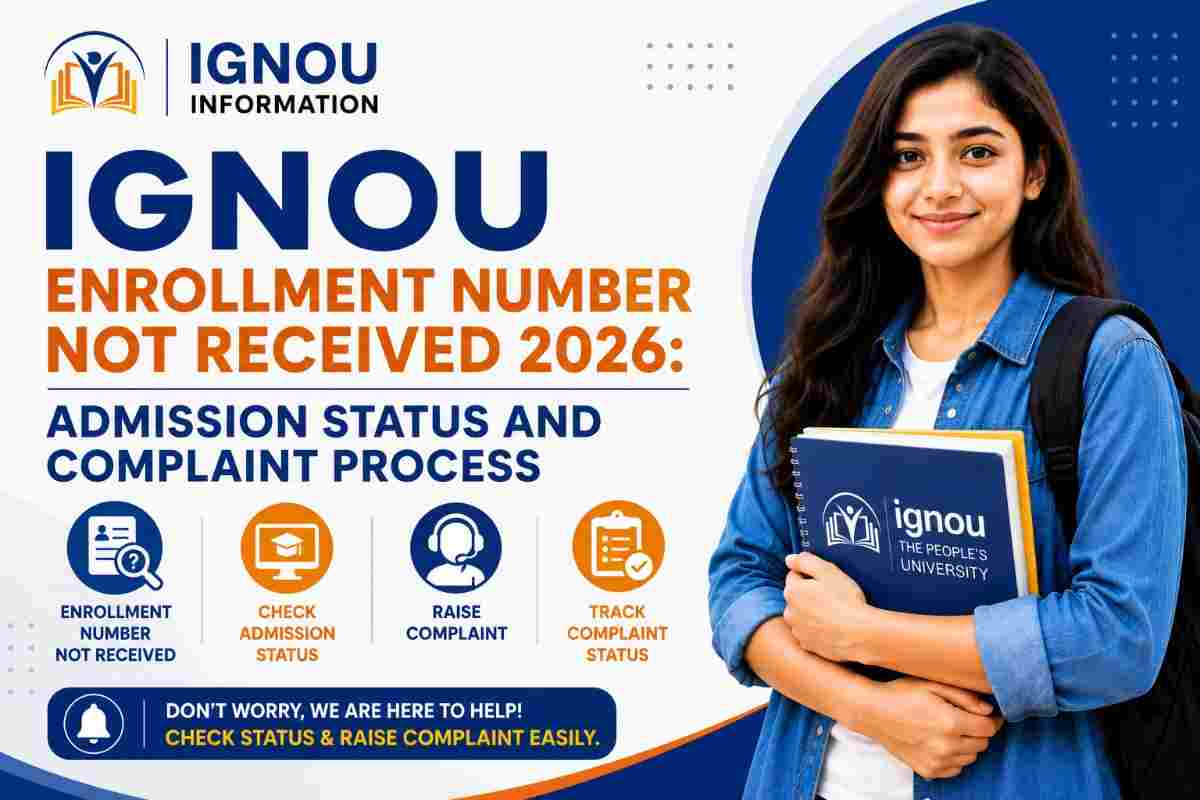
IGNOU Enrollment Number Not Received 2026: Admission Status and Complaint Process
A clear, student-first guide by IGNOU Information
|
Quick answer Your IGNOU enrollment number is normally shared by email and SMS only after admission is confirmed. A successful fee payment or submitted application does not automatically mean that admission has been approved. First check the applicant login for scrutiny, discrepancy, payment, or confirmation updates. If the case remains unresolved, contact the Centralised Student Registration Cell with your control number and transaction proof. |
|
Official IGNOU links - open these first Fresh Admission Portal / Applicant Login Admission Helpline and CSRC Contact IGNOU Student Registration Division IGNOU iGRAM - for eligible registered students Tip: A fresh applicant without an enrollment number should start with Applicant Login and CSRC; iGRAM is mainly for registered students. |
Waiting for an enrollment number can be stressful, especially when the fee has already been paid and other students appear to have received their confirmation. In most cases, however, the missing number does not mean that the application has disappeared. IGNOU reviews admission forms for eligibility, documents, payment and programme requirements, and processing time can differ across Regional Centres.
This updated guide from IGNOU Information explains what the enrollment number means, how it differs from the application username and control number, how to check admission status before the number is issued, how to respond to a discrepancy, and where to complain when the application remains pending.
What Is an IGNOU Enrollment Number?
The enrollment number is the permanent student identifier issued after IGNOU confirms admission. It is used throughout the academic journey for the student portal, identity card, assignments, examination forms, results, grade cards, re-registration and many other services.
During fresh admission, you first create an applicant account and receive a username or login credential. After submitting the form, you also have an application or control number and a payment transaction reference. These details help track the application, but they are not the same as the final enrollment number.
|
Reference |
What it is used for |
|---|---|
|
Applicant username |
Logs you into the fresh-admission portal before admission confirmation. |
|
Control/application number |
Identifies the submitted admission application when you contact support. |
|
Transaction ID |
Proves the fee payment and helps trace a payment-status problem. |
|
Enrollment number |
Permanent student identifier issued after admission is confirmed. |
|
Most common confusion A payment-confirmation message confirms only the transaction. An application acknowledgement confirms submission. The enrollment number arrives after successful scrutiny and admission confirmation. |
Why Has My IGNOU Enrollment Number Not Arrived?
There is no single reason for every pending application. The correct next step depends on the latest message or status shown inside the admission portal.
- The application is still under scrutiny. IGNOU states that forms are processed region-wise and processing time may vary with the number of applicants.
- A document or eligibility discrepancy has been raised. The applicant may need to upload a clearer certificate or correct the requested information through the portal.
- The payment was debited but the transaction has not been acknowledged or mapped to the application.
- The form was saved but not finally submitted. A fee debit alone cannot replace the final submission step.
- The confirmation email or SMS went to an old, incorrect or inaccessible contact detail, or the email landed in the spam folder.
- The selected programme has additional eligibility or document requirements that require manual verification.
- Admission was not approved, was cancelled, or requires action from the applicant. The portal status and official communication should explain the next step.
Understand the Admission Status Before Complaining
|
Status or situation |
What you should do |
|---|---|
|
Application submitted |
Download the acknowledgement and continue monitoring the applicant login. |
|
Payment pending |
Open My Transactions and use the Status Query option; keep the bank reference. |
|
Under scrutiny/process |
Wait for verification and check email, SMS and portal regularly. |
|
Discrepancy/deficiency |
Read the notice carefully and upload the requested document within the stated deadline. |
|
Admission confirmed |
Check registered email/SMS and the portal for the enrollment number and downloadable ID card. |
|
Rejected/cancelled |
Read the reason, save the notice and contact CSRC only if clarification or correction is genuinely required. |
The exact label may differ slightly between sessions or portals. Always act on the instruction displayed in your own account rather than relying on a screenshot shared by another student.
How to Check IGNOU Admission Status Without an Enrollment Number
A first-time applicant who has not yet received an enrollment number should begin with the same fresh-admission account used to submit the form. The separate ‘Know Your Status’ service generally asks for an enrollment number and programme code, so it becomes more useful after the number has been assigned.
- Open the official IGNOU fresh-admission portal and select Applicant Login.
- Sign in using the username and password created during registration. Do not enter a guessed enrollment number.
- Open the submitted application and confirm that every stage, document and fee section shows completion.
- Check the application status, dashboard notices, My Transactions area and any discrepancy message.
- Review the registered email inbox, Promotions/Updates tabs and spam folder; also check SMS on the registered mobile number.
- Save screenshots of the current status, acknowledgement and transaction details before contacting support.
What to Do If IGNOU Raises a Discrepancy
A discrepancy does not automatically mean rejection. It means that IGNOU needs a correction, a clearer document or additional proof before confirming admission. Common examples include an unreadable marksheet, name or date-of-birth mismatch, missing category certificate, incomplete qualification proof, wrong programme eligibility, or a file that does not meet the portal requirement.
Use the upload or correction link provided inside the applicant login. Do not merely email the document unless the official message specifically instructs you to do so. Respond as soon as possible because discrepancy notices can carry a short deadline. After uploading, save the confirmation screen and continue checking the status.
|
Safety check before uploading Use clear scans from genuine documents. Make sure the name, qualification, marks and category information match the application. Never modify or fabricate a certificate to remove a discrepancy. |
Fee Debited but Admission Confirmation Not Received
If money was deducted but the payment is not reflected, first open the My Transactions tab and use the Status Query option where available. Do not immediately make another payment, because duplicate payments create a separate reconciliation issue.
If the payment still does not update, the official admission FAQ asks applicants to share the transaction details with the Centralised Student Registration Cell. Include the control number, applicant name, programme, registered mobile number, amount and transaction reference. Attach the payment receipt or a masked bank statement showing the debit.
|
Evidence to keep |
Why it matters |
|---|---|
|
Application acknowledgement |
Shows that the admission form was finally submitted. |
|
Control number |
Lets the registration team identify the correct application. |
|
Payment receipt |
Shows the amount, date and payment channel. |
|
Transaction/bank reference |
Helps trace the payment through the gateway or bank. |
|
Portal screenshots |
Records the pending, discrepancy or payment status visible to you. |
|
Registered contact details |
Helps staff verify the account and communication channel. |
When Should You Contact IGNOU?
The live admission FAQ does not promise one universal confirmation date. It explains that forms are scrutinised for eligibility and processed region-wise, so the time required can vary. A short wait after submission can therefore be normal, particularly during a large admission cycle.
Contact support when the portal asks for action you cannot complete, payment remains unacknowledged after a status query, the application stays unchanged for an unusually long period, you received confirmation but no enrollment number, or the admission cycle is moving forward while your genuine case remains unresolved. Do not send daily duplicate emails; one complete complaint with all evidence is easier to trace.
IGNOU Enrollment Number Complaint Process
- Recheck the applicant login, transaction status, discrepancy tab, registered email and SMS.
- Prepare one evidence file containing the acknowledgement, control number, payment proof and screenshots.
- Email the Centralised Student Registration Cell at csrc@ignou.ac.in with a clear subject line and all essential details.
- For admission support, call CSRC at 011-29571528 during official working hours. Keep the control number ready before calling.
- If admission has been confirmed and a Regional Centre is allotted, you may also seek guidance from that Regional Centre using the official contact directory.
- Escalate through iGRAM when appropriate. Note that the iGRAM portal states that only registered IGNOU students may submit a grievance, so an applicant with no confirmed enrollment may need to use CSRC first.
|
Official contact points Centralised Student Registration Cell: 011-29571528 Grievance portal for eligible registered students: IGNOU iGRAM |
Complaint Email Template
|
Copy and personalise this message Subject: Enrollment number not received - Application/Control No. [number] - [programme] |
What to Do After Receiving the Enrollment Number
- Match your name, programme, admission session, Regional Centre and Study Centre with the application.
- Log in to the official student portal and create or update the password only through the authorised recovery process.
- Download the student identity card and store the PDF safely. Follow the password instruction shown by the portal.
- Save the admission confirmation email and enrollment number in more than one secure place.
- Use the number exactly as issued for assignments, exam forms, results and future re-registration.
- Report any incorrect personal or programme detail promptly through the relevant official service instead of ignoring it.
Mistakes to Avoid While Waiting
- Treating the applicant username, control number or payment reference as the final enrollment number.
- Making a second payment before checking My Transactions and the Status Query option.
- Ignoring the spam folder or a discrepancy notice sent to the registered email address.
- Uploading a document through an unofficial link received on social media or WhatsApp.
- Sharing the portal password, OTP, full card number or unmasked banking information in a complaint.
- Sending multiple complaints with different subject lines but without the control number and evidence.
- Paying an agent who promises to generate or speed up an enrollment number.
Related Guides on IGNOU Information
These related pages can help you complete the next step without using outdated or unofficial instructions:
- IGNOU Admission 2026: Eligibility, Documents, Fees and Status
- IGNOU Login 2026: Username, Password and Portal Help
- Samarth Portal 2026: Login and Registration Guide
- IGNOU ID Card Download 2026
- IGNOU Admission Cancellation and Fee Refund 2026
Official Links
IGNOU Fresh Admission Portal - Applicant login, status and admission FAQ.
IGNOU Student Registration Division - Official explanation of admission confirmation and enrollment number.
IGNOU Contact Directory - CSRC, SSC and Regional Centre contact details.
IGNOU iGRAM - Grievance submission and tracking for registered students.
Final Advice from IGNOU Information
An enrollment number should never be guessed, purchased or created by an outside person. It is issued by IGNOU after admission confirmation. Start with the applicant login, respond immediately to any discrepancy, and keep the acknowledgement and transaction proof safe. If the status remains unresolved, contact CSRC with one clear, evidence-based request.
IGNOU Information is an independent education information platform and is not an official department of IGNOU. We simplify official processes for students, but the live admission portal, university notice and programme prospectus remain authoritative. Recheck the official portal before acting because workflows and contact instructions can change
Apply Now
Please fill the form with the correct details
Trending Posts

![IGNOU Result 2026 [Check Now]: Result Updated](/admin/admin-assets/img/blogs/1787220864.jpg)




Frequently Asked Questions
Find answers to common questions